
By the end of this post you'll have a working RAG pipeline running entirely on your Ubuntu machine. You'll load a plain text file, chunk it, store the chunks as vector embeddings in ChromaDB, then ask a local LLM questions about the content. Nothing hits the internet during inference. No OpenAI key, no Cohere account, no HuggingFace token.
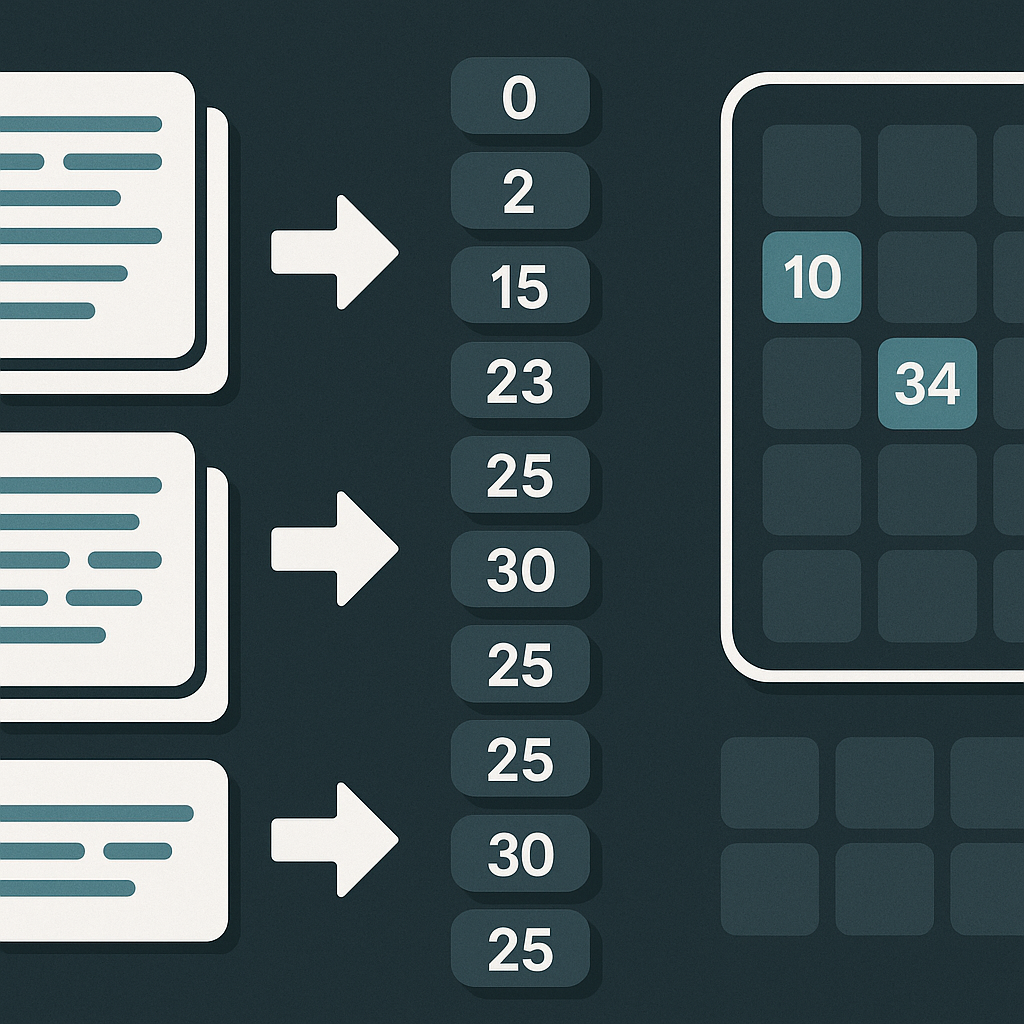
The stack: Python 3.12, ChromaDB 1.3.4 (the November 2025 DataQuest-verified stable version), and Ollama running llama3.2 locally. ChromaDB's default embedding model (all-MiniLM-L6-v2) downloads automatically on first run.
Why vector databases exist
A traditional relational database matches rows by exact values. Ask it "what documents are about network timeouts?" and it returns nothing unless you used those exact words. A vector database does something different: it converts text into a list of numbers (a vector) that encodes meaning. Similar meanings produce similar vectors. At query time, your question gets converted to a vector too, and the database finds the closest stored vectors by geometry rather than by keyword.
ChromaDB uses an HNSW (Hierarchical Navigable Small World) index for this. HNSW builds a multi-layer graph where each vector is a node connected to its nearest neighbors, with higher layers providing long-range connections that speed up approximate search. You get fast similarity lookups without scanning every document in the collection.
ChromaDB stores metadata in a SQLite file (chroma.sqlite3) under the hood, which is why it's so easy to run locally. As DataQuest put it, "ChromaDB is lightweight and runs entirely on your local machine. No servers to configure, no cloud accounts to set up."
Environment setup
First, make sure your base tools are present. On a fresh Ubuntu install you may need:
sudo apt update
sudo apt install -y python3-pip python3-venv
Create a project directory and a virtual environment:
mkdir rag-pipeline && cd rag-pipeline
python3 -m venv .venv
source .venv/bin/activate
Install the Python dependencies:
pip install chromadb==1.3.4 ollamaChromaDB requires SQLite 3.35 or higher. Ubuntu 22.04 ships with SQLite 3.37, so you're covered. If you're on an older release and hit SQLite errors, upgrading Python to 3.11+ or pinning an older chromadb release will fix it.
Install Ollama
Head to ollama.com/download and follow the Linux install instructions (a curl | sh one-liner at time of writing. Verify the exact command on their site before running it). Once installed, pull the two models you need:
ollama pull nomic-embed-text
ollama pull llama3.2
nomic-embed-text produces 768-dimensional vectors and runs well on modest hardware. llama3.2 is a 3B-parameter model that works on 8GB RAM. If you have 16GB+, llama3.1:8b will give you noticeably better answers.
Chunking
ChromaDB caps each stored document at 16KB. More practically, even if a document fits, storing an entire 10-page guide as one vector gives you a useless retrieval signal. When someone asks "what's the default timeout?", you don't want to retrieve a 20-page configuration guide. You want the specific paragraph that answers the question. That's a direct quote from the Chroma official docs, and it captures the core problem chunking solves.
Chunks need to be small enough to match specific queries, but large enough to stay self-contained and meaningful. For most plain text files, a chunk size of 500-1,500 characters with 50-character overlap is a good starting point. The overlap prevents a sentence from being cut across two chunks in a way that loses context.
The code below uses a simple recursive splitter approach: try to split on double newlines first (paragraphs), then single newlines, then spaces. This keeps structural breaks intact before resorting to word-level cuts.
def chunk_text(text, chunk_size=1000, overlap=50):
 chunks = []
 start = 0
 while start < len(text):
 end = start + chunk_size
 chunk = text[start:end]
 # try to end at a paragraph break
 last_para = chunk.rfind("\n\n")
 last_line = chunk.rfind("\n")
 if last_para > chunk_size // 2:
 end = start + last_para
 elif last_line > chunk_size // 2:
 end = start + last_line
 chunks.append(text[start:end].strip())
 start = end - overlap
 return [c for c in chunks if c]
LangChain's RecursiveCharacterTextSplitter does the same thing with more configurability if you want to bring that dependency in. For this guide, the function above keeps the tool count minimal.
Loading data into ChromaDB
Create a file called ingest.py. For demo data, drop any plain .txt file into the project directory (a Wikipedia article, a config doc, a README. Anything works).
import chromadb
from pathlib import Path

def chunk_text(text, chunk_size=1000, overlap=50):
 chunks = []
 start = 0
 while start < len(text):
 end = start + chunk_size
 chunk = text[start:end]
 last_para = chunk.rfind("\n\n")
 last_line = chunk.rfind("\n")
 if last_para > chunk_size // 2:
 end = start + last_para
 elif last_line > chunk_size // 2:
 end = start + last_line
 chunks.append(text[start:end].strip())
 start = end - overlap
 return [c for c in chunks if c]

# PersistentClient writes to disk. Data survives script restarts
client = chromadb.PersistentClient(path="./chroma_store")

# get_or_create_collection is idempotent: safe to run repeatedly
collection = client.get_or_create_collection(name="docs")

text = Path("your_document.txt").read_text(encoding="utf-8")
chunks = chunk_text(text)

collection.add(
 documents=chunks,
 ids=[f"chunk_{i}" for i in range(len(chunks))],
 metadatas=[{"source": "your_document.txt", "chunk_index": i} for i in range(len(chunks))]
)

print(f"Stored {len(chunks)} chunks.")
Run it:
python ingest.pyChromaDB's default embedding function kicks in automatically. It uses all-MiniLM-L6-v2, a Sentence Transformers model that maps text to a 384-dimensional dense vector space. The model files download on first run. You don't configure anything. It just works.
The PersistentClient writes everything to ./chroma_store/chroma.sqlite3. If you stop and restart the script, get_or_create_collection loads the existing collection rather than creating a new one.
Querying and chatting with Ollama
Create chat.py:
import chromadb
import ollama

client = chromadb.PersistentClient(path="./chroma_store")
collection = client.get_or_create_collection(name="docs")

def ask(question: str, n_results: int = 3):
 # Retrieve the most semantically similar chunks
 results = collection.query(
 query_texts=[question],
 n_results=n_results
 )
 context_chunks = results["documents"][0]
 context = "\n\n---\n\n".join(context_chunks)

 prompt = f"""Use only the context below to answer the question.
If the answer isn't in the context, say so.

Context:
{context}

Question: {question}
"""

 response = ollama.chat(
 model="llama3.2",
 messages=[{"role": "user", "content": prompt}]
 )
 return response["message"]["content"]

if __name__ == "__main__":
 while True:
 q = input("\nAsk a question (or 'quit'): ").strip()
 if q.lower() == "quit":
 break
 print("\n" + ask(q))
Run it:
python chat.pyThe collection.query() call embeds your question using the same all-MiniLM-L6-v2 model, then finds the n_results closest chunks by cosine similarity. Those chunks become the context window passed to llama3.2. The model sees only what ChromaDB retrieved. Which keeps answers grounded in your actual document rather than the model's general training knowledge.
n_results=3 is a reasonable default. Bump it to 5 or 6 for broader questions, but watch for context-window bloat: more chunks means more tokens, and a 3B model has limits.
A few things worth knowing before you go further
The HNSW index never shrinks. If you load 5,000 chunks then delete 4,000, the index still uses memory sized for 5,000. The only way to reclaim it is to create a fresh collection and re-add the documents you want to keep. For a prototyping workflow this isn't very important, but keep it in mind before bulk-loading gigabytes.
Embedding model consistency. The chunks in ./chroma_store were embedded with all-MiniLM-L6-v2. If you later switch embedding models, the stored vectors and the query vectors will be in different spaces and your similarity scores will be garbage. When you change models, drop the collection and re-ingest.
This stack scales further than you might expect. DataQuest notes that ChromaDB handles up to around 100,000 documents on standard hardware without breaking a sweat. For a team knowledge base, internal documentation search, or a private code-review assistant, you won't hit that ceiling quickly.
On privacy: every step here runs on your machine. No document content, no queries, no embeddings leave your network. For teams handling confidential data. Legal docs, internal specs, customer records. That's a meaningful property, not just a nice-to-have.
As open-source models keep improving (and according to prafulls.me, "Llama 3 is already competitive with GPT-3.5 for many tasks"), the gap between a local setup like this and a cloud-hosted one narrows further each month.